Now live on Play Store

Log expenses
faster than you
spend them.

The expense tracker that respects your time and privacy. No sign-up. No bank login. Just you and your money.

3
taps to log
0
accounts needed
0
bank logins
GET IT ON
Google Play

Built in 29 hours. Read the case study
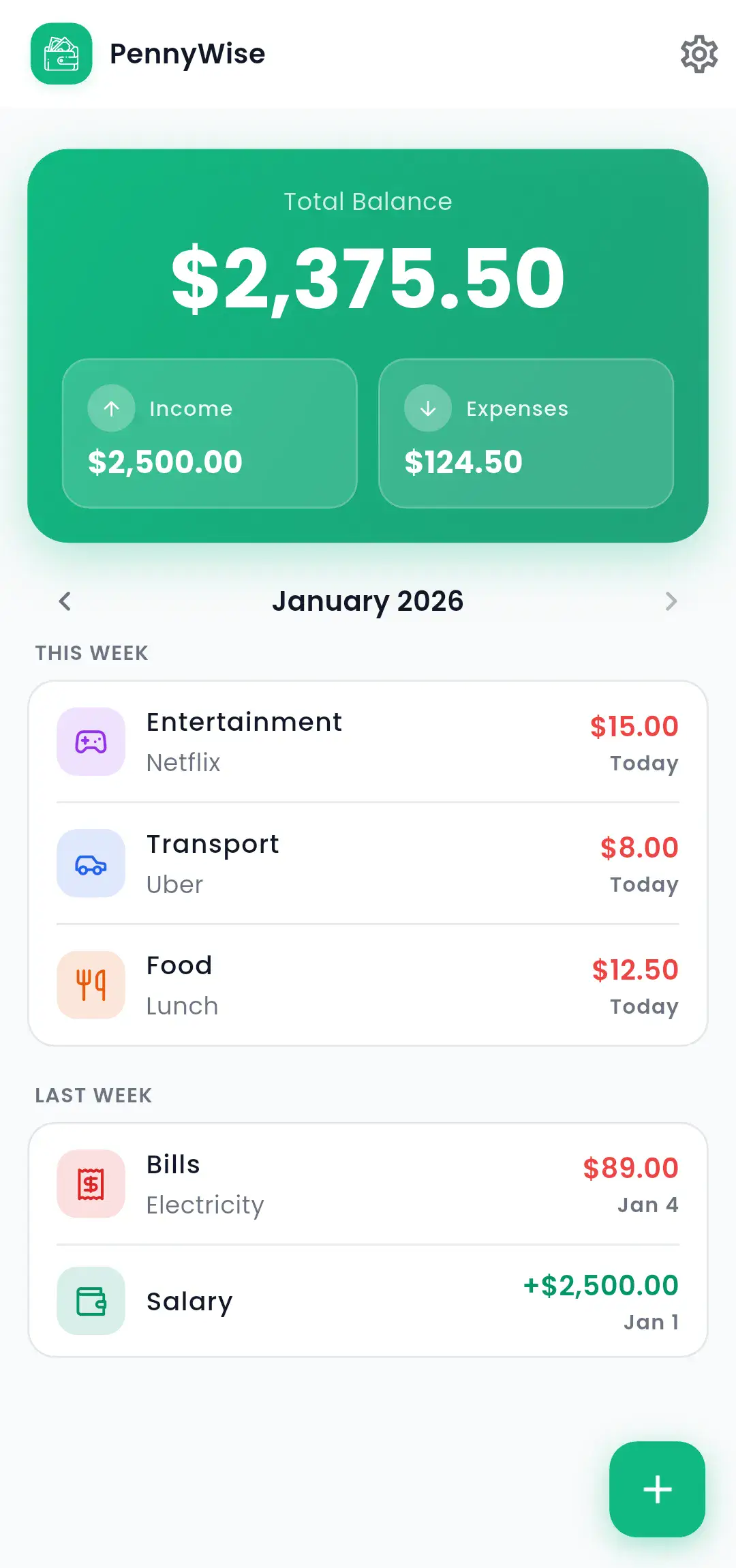
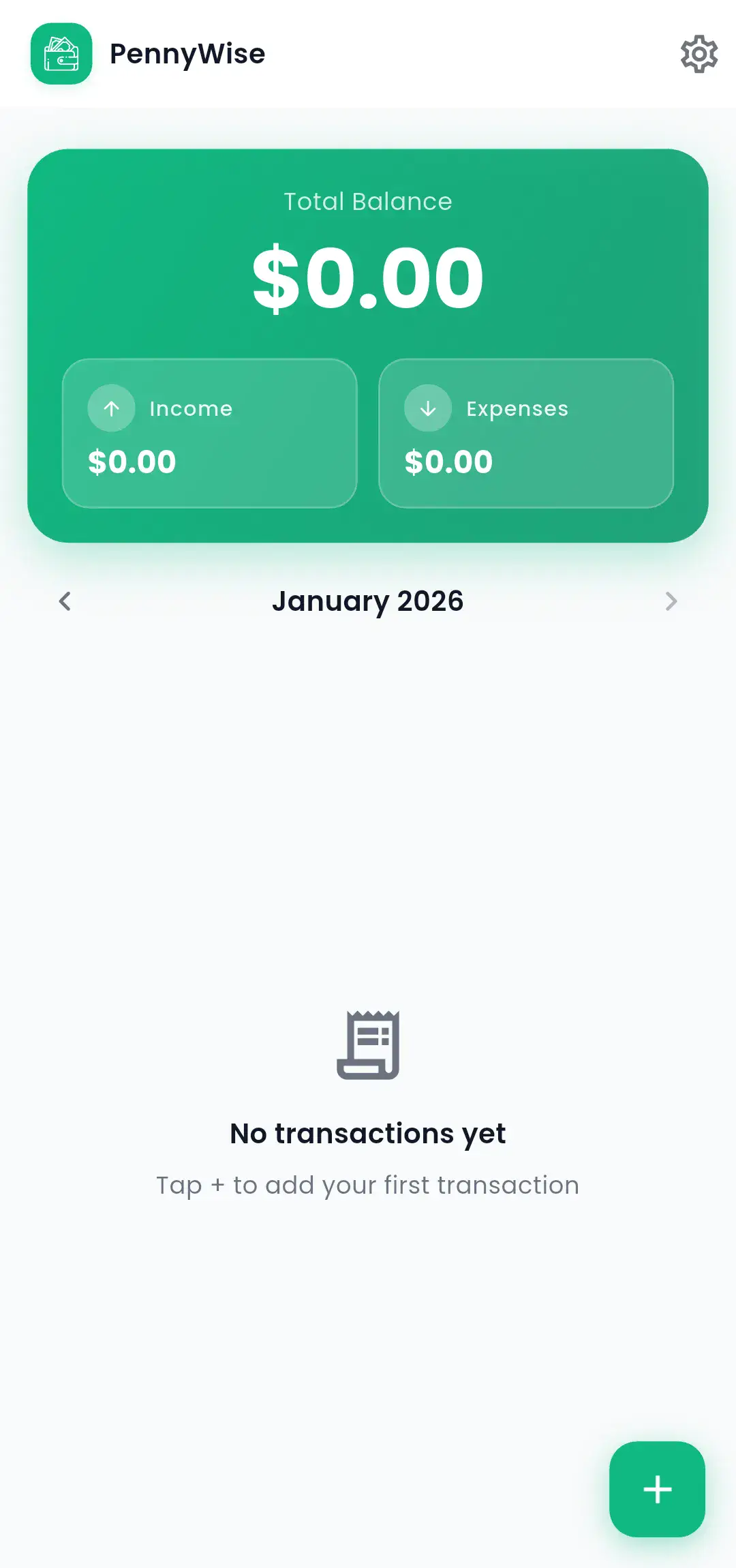
PennyWise Dashboard

Built different. On purpose.

While other apps add features, we removed everything that slows you down.

Quick & Easy

Add expenses in seconds with our intuitive interface. Just tap, select category, and done.

Private by default

Your transactions live on your device, not a server. No account, no cloud sync, no tracking, no ads.

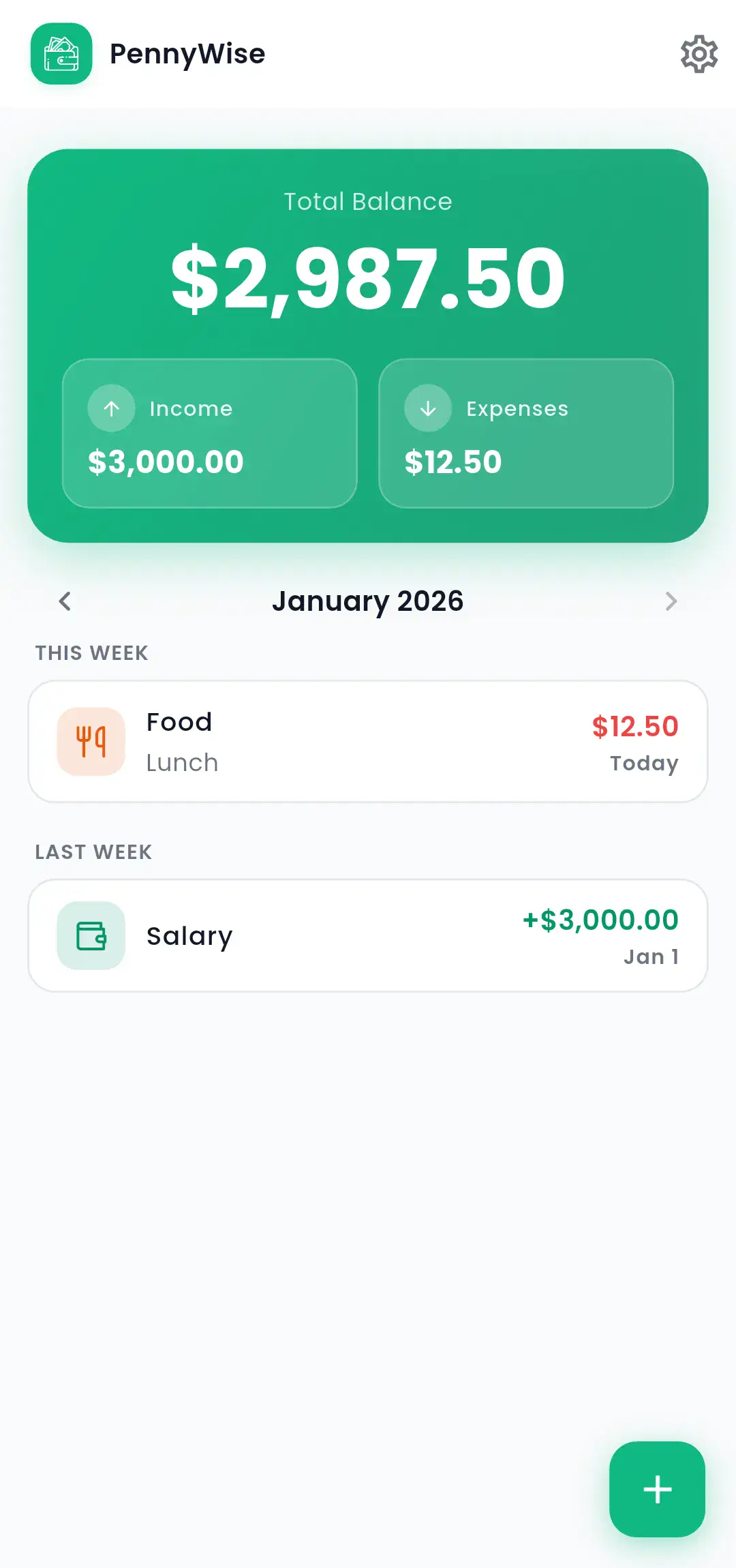
Weekly Insights

View your spending patterns organized by week. Stay on top of your financial habits.

Multi-Currency

Support for multiple currencies. Perfect for travelers or managing foreign expenses.

Optional · Off by default

Let your bank notifications do the typing

Turn on Auto-capture and PennyWise reads the transaction alerts your bank and wallet apps already send, then drafts the entry for you. You approve, edit, or reject. No bank login, ever.

Reads your notifications

It uses the alert your bank already sent to your phone. No account linking, no passwords, no Plaid.

Masked on your device

Account and card numbers are masked before anything leaves your phone. Only a masked snippet is read, and it is never stored.

You approve everything

Every captured transaction is a draft in your queue. Nothing is logged until you approve it.

Auto-capture is off by default. You see a clear disclosure before enabling it, and you can turn it off anytime. Read how it handles your data.

Three taps. That's it.

No complicated forms. No endless categories. Just the fastest way to log your expenses.

1

Open & Tap +

Launch the app and hit the plus button.

2

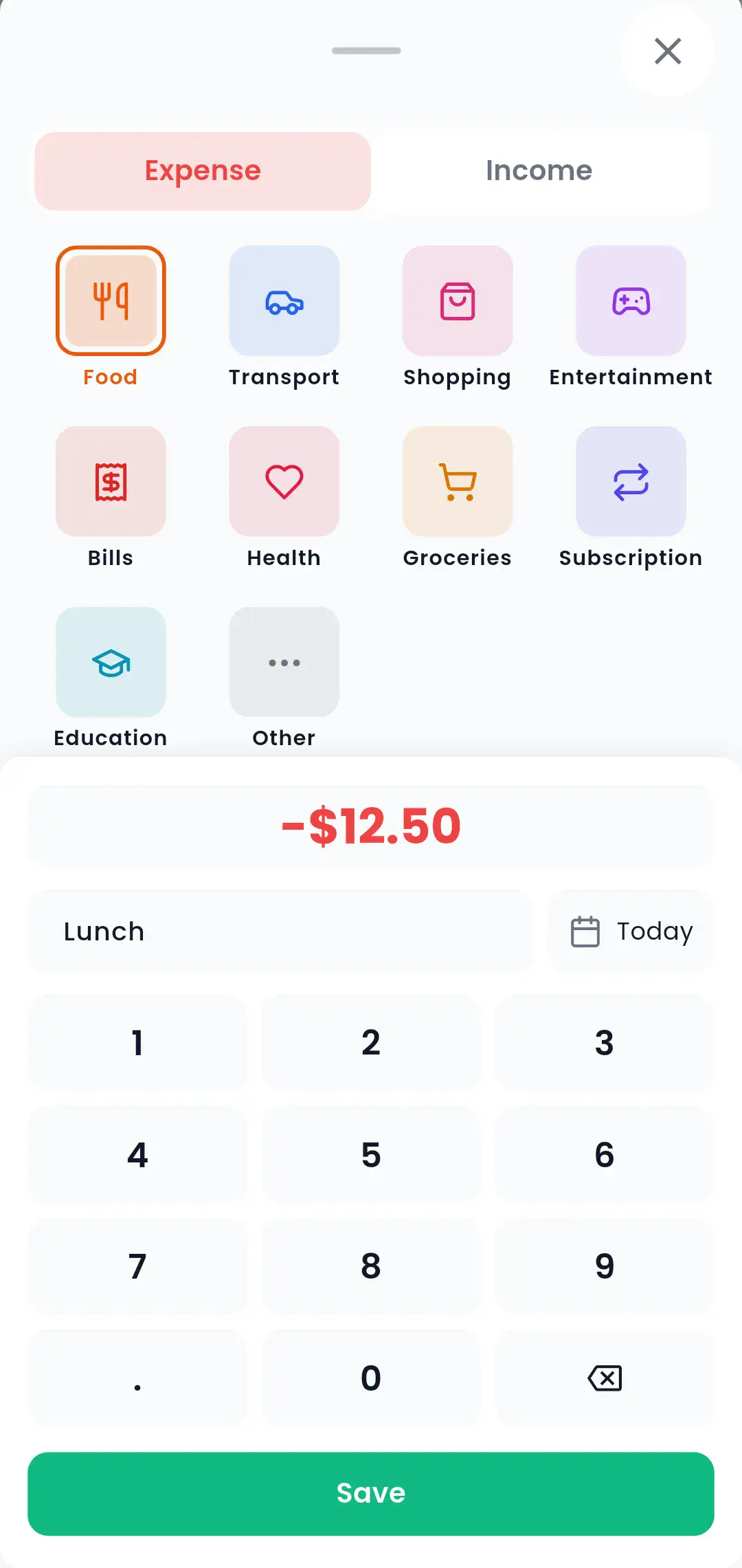
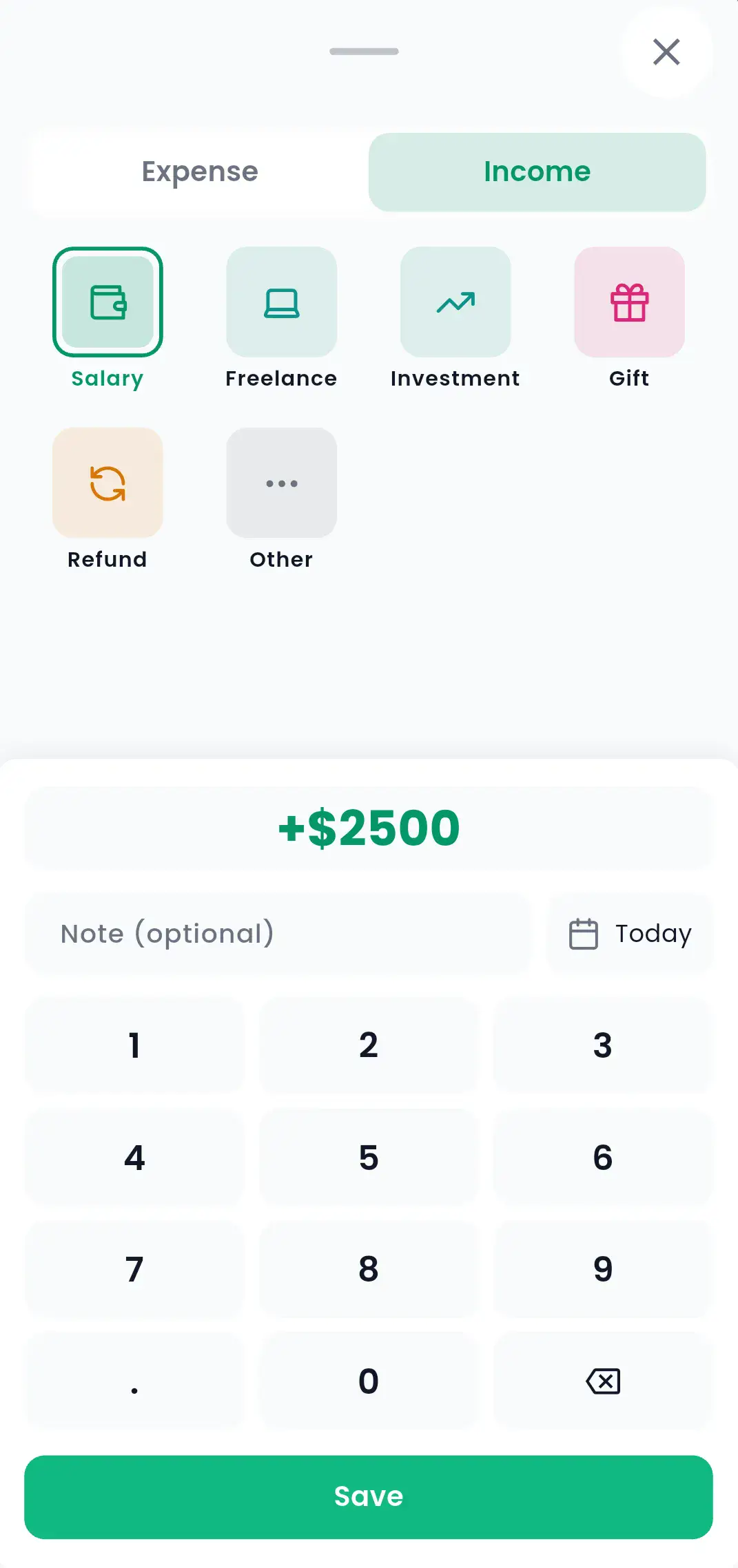
Enter Amount

Type the amount on our fast number pad.

3

Pick & Save

Select a category and hit save. Done!

Under 5 seconds Every single time

Add expenses
without thinking.

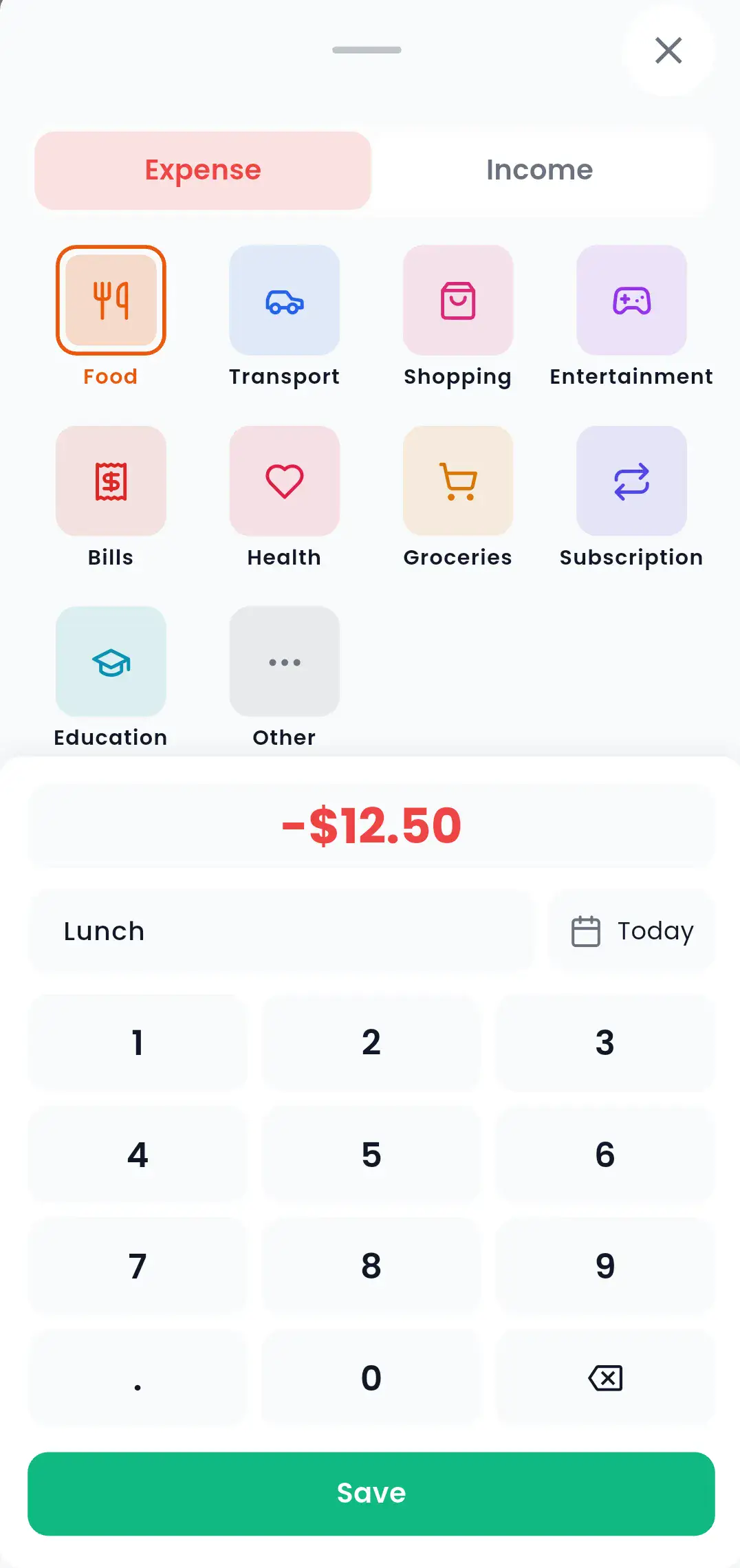
Our intuitive number pad and smart categories make logging expenses almost automatic. Tap the amount, pick a category, done.

  • 10 expense categories, 6 income categories
  • Optional notes for context
  • Quick-add from notification

Ready to take control?

Join thousands who've simplified their expense tracking. Download free, no strings attached.

Get it on
Google Play